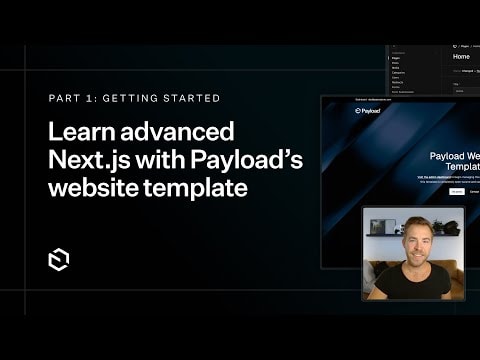
Advanced Next.js with Payload’s Website Template: Part 1
Join me as we dive deep into Payload's website template. In this series, you'll master advanced Next.js techniques and learn how to leverage Payload CMS to build powerful, dynamic websites. Perfect for developers looking to enhance their skills and create robust web applications.
Advanced Next.js with Payload’s Website Template: Part 1
In this comprehensive series, we embark on an in-depth exploration of Payload's website template. This tutorial is designed to equip you with the knowledge and skills needed to master advanced Next.js techniques while leveraging the powerful features of Payload CMS.
What You Will Learn
- Advanced Next.js Techniques: Dive into the intricacies of Next.js, including server-side rendering, static site generation, and API routes.
- Payload CMS Integration: Learn how to seamlessly integrate Payload CMS with Next.js to create dynamic and scalable web applications.
- Building Robust Websites: Discover best practices for building robust, high-performance websites using modern web technologies.
Why Payload CMS?
Payload CMS is a modern, open-source content management system designed for developers. It provides a flexible and extensible platform for managing content, making it an ideal choice for building dynamic websites and applications. With Payload CMS, you can:
- Customize Your Content Structure: Define your content models to fit your specific needs.
- Leverage a Powerful API: Utilize Payload's RESTful API to fetch and manage content efficiently.
- Enhance Developer Experience: Benefit from a developer-friendly interface and comprehensive documentation.
Getting Started
To get the most out of this series, you should have a basic understanding of Next.js and React. Familiarity with Payload CMS is helpful but not required, as we will cover the essentials throughout the tutorial.
Series Overview
- Introduction to Payload's Website Template: Understand the structure and components of the template.
- Setting Up Your Development Environment: Learn how to set up and configure your development environment for optimal performance.
- Advanced Next.js Concepts: Explore advanced techniques such as dynamic routing, API integration, and state management.
- Building Dynamic Websites: Apply your knowledge to build a fully functional, dynamic website using Next.js and Payload CMS.
Conclusion
By the end of this series, you will have a solid understanding of advanced Next.js techniques and how to effectively use Payload CMS to build powerful, dynamic websites. Whether you're a seasoned developer looking to enhance your skills or a beginner eager to learn, this tutorial will provide you with the tools and knowledge needed to succeed in modern web development.
Stay tuned for the upcoming parts of this series, where we will delve even deeper into the capabilities of Next.js and Payload CMS.
Submitted
Payload Versions